

 Editor's Desk

Google Photos Tests Major Overhaul for Built-In Pen, Highlighter, and Text Tools
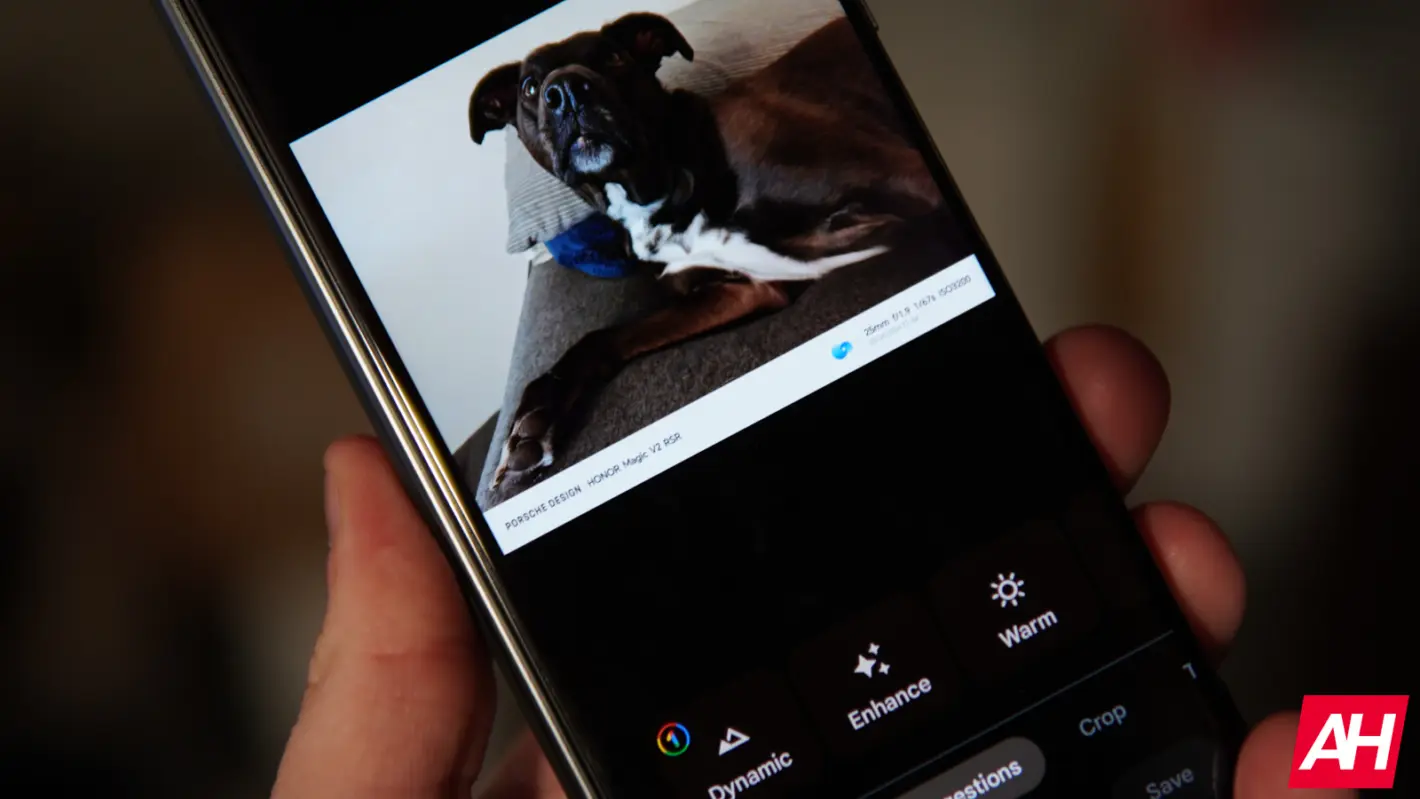
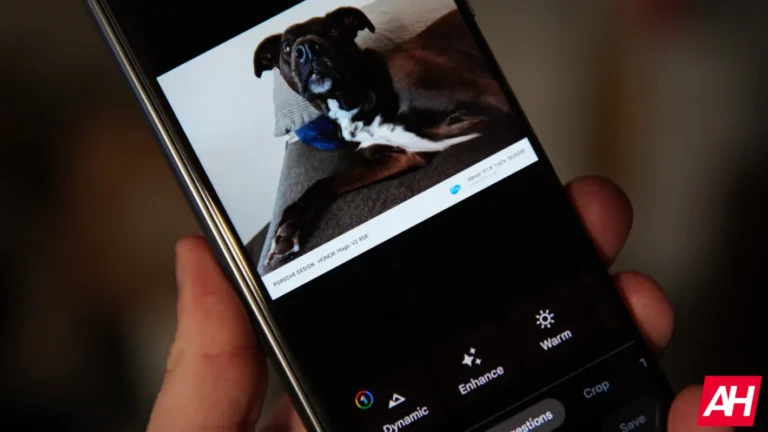
Google Photos might be best known for syncing your media library to the cloud. However, its built-in editing tools are about to get a lot more capable. Recent findings reveal Google is quietly testing a series of practical upgrades designed to give the Photos app users finer control over both quick image markups and main feed layouts.
The Android Authority team spotted evidence inside the latest Android application package (version 7.92). The code strings show Google is working on major improvements for the Pen, Highlighter, and Text tools. There’s also a welcome visual tweak for the primary photo feed.
Precision drawing tools and 14 new font styles
If you have ever tried to highlight a tiny piece of text or draw a precise arrow in Google Photos, you know how limiting the current editing setup can be. Right now, the app restricts you to fixed stroke widths and a narrow palette of just seven basic colors.
The test build addresses those complaints directly. It adds a dedicated brush size slider for both the Pen and Highlighter tools. This allows users to dial in precise thin lines or broad strokes. On top of that, Google is expanding the color palette from seven to over 25 different shades.
The Text tool is getting a similar treatment. Testers managed to enable 14 new font options—ranging from clean choices labeled “Classic” and “Elegant” to decorative styles like “Gothic” and “Type”—alongside new left, center, and right text alignment controls.
Reclaiming control over your main home feed
Google is also testing a small design change that addresses a common user pet peeve on the main screen.
Currently, when you view your media in the Day or Month layouts, Google Photos automatically enlarges specific thumbnails for moments its algorithm considers noteworthy. While some users appreciate the dynamic look, others find it disrupts the grid symmetry when trying to scan through photos sequentially.
The update introduces a new “Feature photos” toggle in the app settings. Turning this switch off forces the home feed to maintain a clean, uniform grid size across your entire gallery. Basically, the option removes the automatic enlargement behavior.
Rollout expectations and current status
These markup and feed options are currently hidden behind developer flags in early testing builds. Google hasn’t officially announced a timeline for a public release, which means these features could evolve or be further tweaked before they reach end users.
However, given how polished these interface additions appear in testing, a formal rollout across Android devices could arrive in upcoming app updates over the coming months.
The post Google Photos Tests Major Overhaul for Built-In Pen, Highlighter, and Text Tools appeared first on Android Headlines.

News reported through various sources and compiled with AI. This is automatically generated news content from known, popular, and reliable sources available at the time of publication.
We do not take any responsibility for, nor make any representations regarding, the accuracy, completeness, credibility, or
reliability of the content.
In case of any discrepancy, error, or copyright claim, we will promptly review and remove the content in question where appropriate.
We do not claim ownership of third-party content and assume no responsibility or liability whatsoever for any information contained herein. The credit, links and images are kept intact as an honest gesture, are property of its respective owners.